Wheel size visualizer
Compare wheel-size proportions before measuring fitment
A diameter change alters the balance between wheel face, tire sidewall and wheel arch. Select a visual target from 17 to 22 inches and compare the concept with your original photo before asking a fitment specialist to calculate the complete wheel-and-tire package.
Upload your photo, choose one change and compare the result right here.
Your car. Your next idea.
Upload your photo, choose one change and compare the result right here.
02 / SEE THE DIFFERENCE
Study proportion, not specifications
Look at wheel-to-body balance and apparent sidewall depth while keeping the untouched photo available for reference.
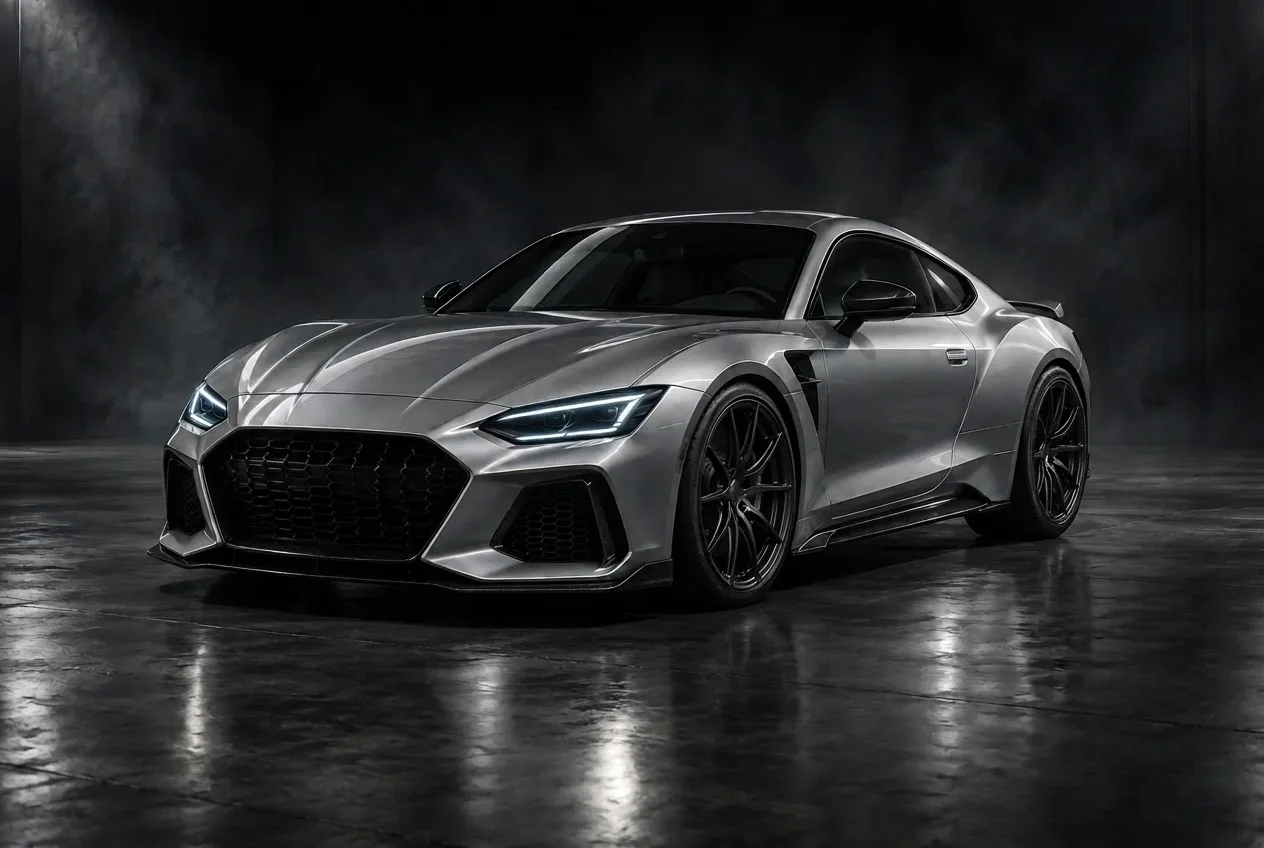
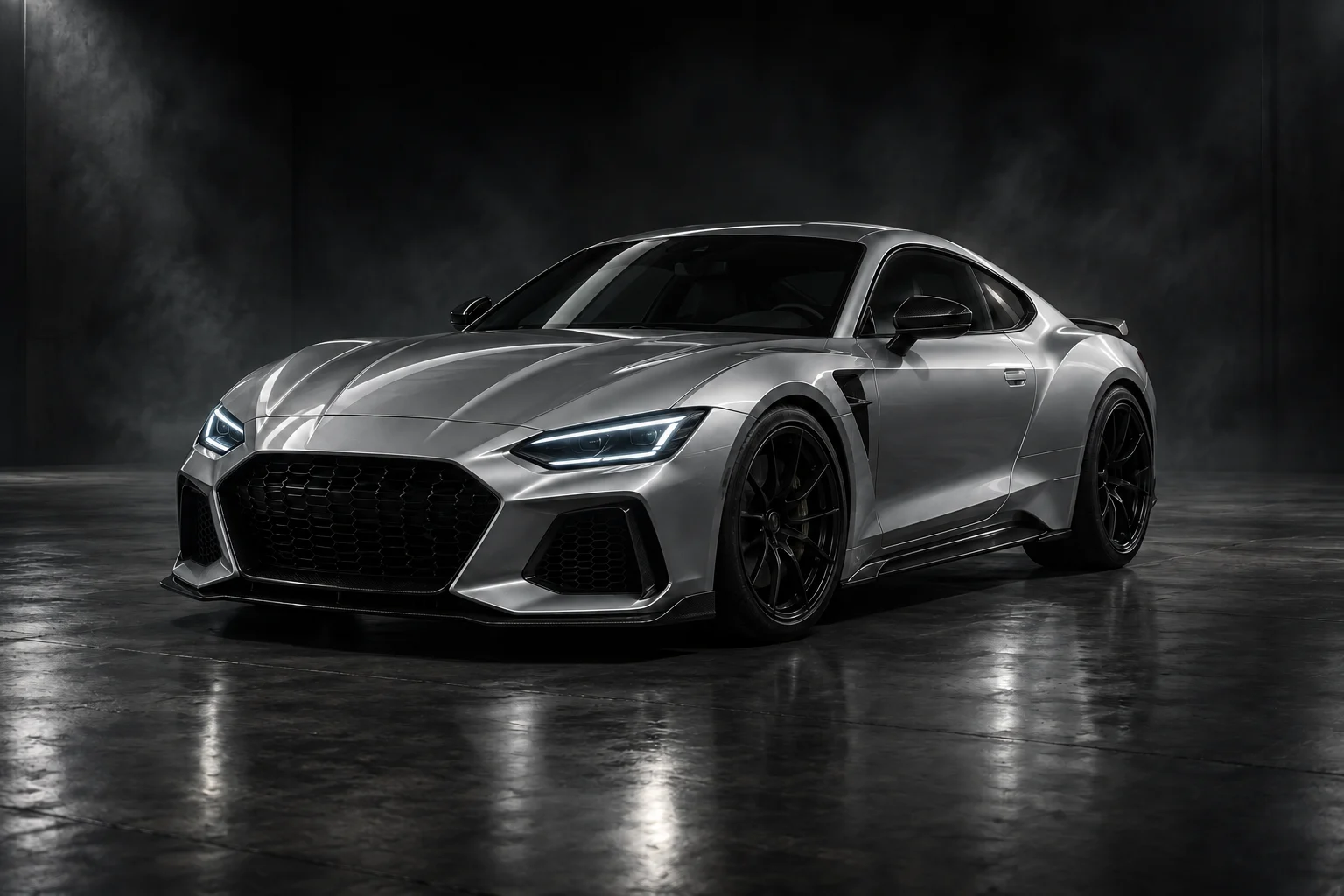 ORIGINAL · CONCEPT CAR20-inch visual proportions
Bring the preferred proportion, not a measured drawing
Save the selected target with the concept, then ask a fitment specialist to establish compatible wheel width, offset and tire dimensions. The preview cannot verify arch clearance, rolling circumference, speedometer effects or local approval requirements.
AI EXAMPLE · CONCEPT CAR03 / MADE FOR YOUR NEXT DECISION
Separate the look of a larger wheel from the fitment calculation
A larger wheel face can make a car look more deliberate, but it can also overwhelm a small wheel opening. The useful question for this preview is which proportion you prefer between metal, visible tire and surrounding bodywork.
Choose 17, 18, 19, 20 or 22 inches as the visual target. A photo contains no calibrated dimensions, so the selected number guides the concept rather than measuring a real diameter. The output is not a tire-size calculator or a simulation of suspension movement.
Avoid an oversized look
Check whether a larger wheel appears visually crowded in the arch.
Compare sidewall balance
Explore how wheel-face size changes the perceived amount of tire.
Discuss a package
Use the preferred proportion as a starting point for a verified wheel-and-tire calculation.
04 / FROM PHOTO TO PREVIEW
From your photo to a preview in three steps
Prepare the inputs, start the request and save the concept you want to keep.
- 01
Upload your vehicle photo
Use a side or three-quarter photo with a clearly defined wheel opening and minimal lens distortion.
- 02
Set the requested change
Select 17, 18, 19, 20 or 22 inches as the visual target. No exact tire dimensions are required or calculated.
- 03
Generate and compare
Read the image-processing notice, consent and start the preview. Compare the result against the original, then download a concept you want to keep.
05 / CHOOSE WITH INTENT
Read the size options as a visual shortlist
Compare neighboring choices on the same source image. No option is a recommendation for your vehicle.
| Target | Question to ask | What remains unresolved |
|---|---|---|
| 17 inches | Does a more restrained wheel face suit the body? | Whether this diameter clears the brakes |
| 18 inches | Is this a useful visual balance against the tire? | Required rim width and tire dimensions |
| 19 inches | Does the wheel gain presence without crowding the arch? | Offset and clearance under load |
| 20 inches | Does the larger face still fit the character of the car? | Rolling circumference and approved combinations |
| 22 inches | Does this direction dominate the body too much? | Real feasibility of the complete wheel-and-tire package |
06 / A BETTER STARTING PHOTO
Give the size preview clear proportions
- 01
Stand back from the car
A close wide-angle view exaggerates the front wheel. A level side or three-quarter photo from farther away makes front and rear proportions easier to interpret.
- 02
Include the full wheel opening
Keep the fender edge, outer tire and wheel center visible. A crop of the rim alone removes the scale relationships you want to compare.
- 03
Use the unchanged original
Start each target from the same unedited photograph. An earlier enlarged preview is no longer a neutral basis for comparing a different size.
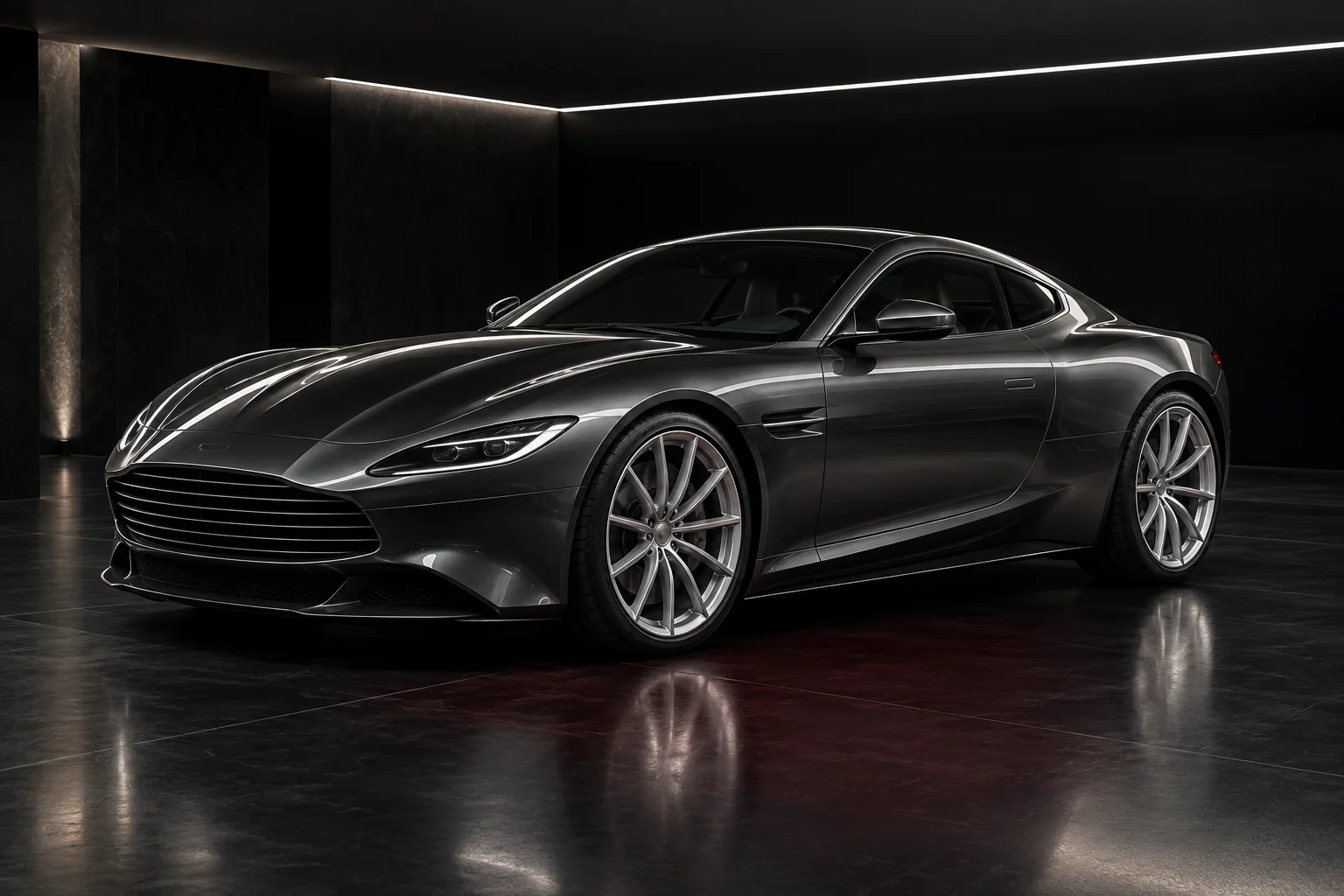 BodyWheelsLight
What this preview cannot verify
Appearance is approximate. Pixels cannot establish a physical wheel diameter without calibrated measurements.
Tire package is unresolved. Overall rolling diameter and tire profile must be selected together.
Clearance is unknown. Steering, brake, suspension and body clearance require physical specifications.
07 / FAQ
Before your first preview
What to upload, what to expect and what to do with your result.
Back to the tool01Are the wheels really measured at the selected size?+
No. The number is a visual direction, not a calibrated measurement from the photo.
02Which size will fit my car?+
The tool cannot answer that. Check manufacturer limits and ask a qualified wheel and tire specialist.
03Does a larger wheel always need a lower-profile tire?+
Often the overall diameter is managed through tire choice, but the correct package depends on the vehicle and specifications.
04Can I use the preview to order wheels?+
Use it to choose an appearance, then order only after verifying every fitment parameter.
05Which photo formats and file sizes work?+
Use JPEG, PNG or WebP, up to 8 MB per image. Export HEIC photos to a supported format first. Keep enough detail to distinguish the edited area; a sharp, sensibly sized photo is more useful than a blurred large file.
06Do I need to sign in or pay?+
No login or payment is currently required for this preview. Availability depends on the image service being able to accept requests.
07How long does generation take?+
Timing varies with the image, processing and service demand. There is no fixed completion-time guarantee. Follow the displayed status and let an active request finish before starting it again.
08How long can I access my result?+
Results are private to this browser session, with access expiring after 7 days. Download images you want to keep before then. External AI services receive images for editing and quality checks and may retain them under their own policies. Access expiry does not guarantee deletion from those providers.
09What should I do if the request fails?+
Follow the displayed error. For an upload issue, check the format and 8 MB limit; for an unsuitable image, use a clearer photo. For a temporary service error, wait and retry. An expired result or lost browser session cannot be recovered using the old private link.
YOUR PHOTO. YOUR NEXT LOOK.
Find the wheel proportion you prefer
Upload a level side or three-quarter photo and choose an available inch target.
Compare wheel size