Wheel visualizer
See a wheel design on your own car
A wheel can look very different in a catalog than it does under a particular body shape, ride height and paint color. Add your vehicle photo and a clear wheel reference to create an illustrative comparison while preserving the rest of the car.
Add a reference image to preview these wheels on your car.
Your car. Your next idea.
Upload your photo, choose one change and compare the result right here.
02 / SEE THE DIFFERENCE
Wheel swap · before and after
Your vehicle photo establishes the placement. A separate wheel photo supplies the design you want to try.

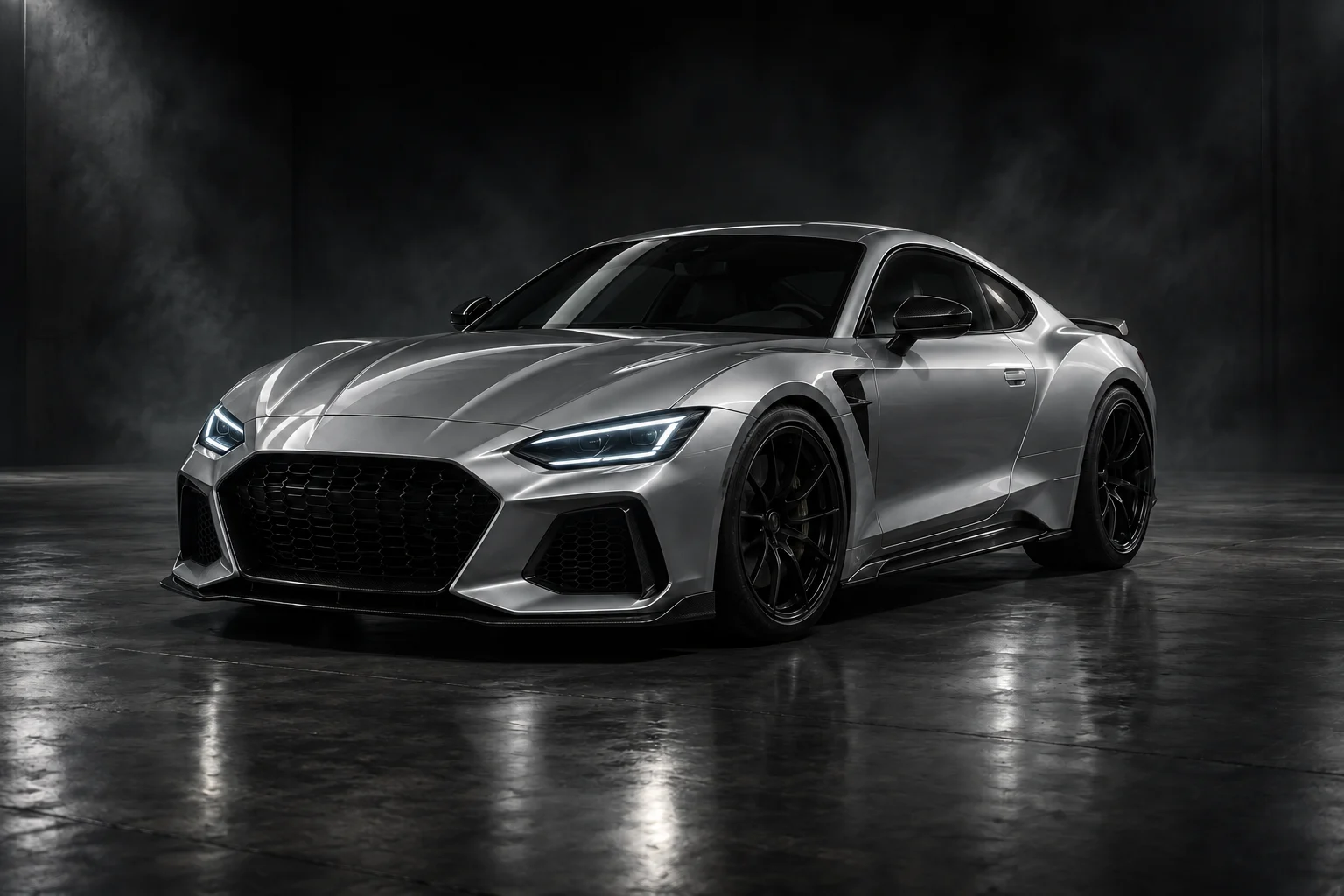 ORIGINAL · CONCEPT CARWheel swap · before and after
Turn the preferred design into a fitment question
Save the concept beside the original wheel product reference. Ask the retailer about the exact diameter, width, offset, bolt pattern, center bore, load rating and brake clearance for your vehicle. A wheel that looks balanced in the image can still be mechanically incompatible.
AI EXAMPLE · CONCEPT CAR03 / MADE FOR YOUR NEXT DECISION
A wheel design needs the car around it
Spoke count is only part of the decision. An open five-spoke wheel exposes more of the brake area; a dense mesh design gives the wheel face more detail. Dark finishes can visually recede into the tire, while brighter finishes make the rim outline easier to read.
Upload your car and a separate wheel photo to preview that relationship. This tool changes the rim design; use the wheel-size tool if your question is about diameter, or the tire tool if you want to change the sidewall and tread direction.
Compare spoke designs
Explore open, mesh or multi-spoke directions against the same vehicle.
Review finish contrast
See whether bright, dark or two-tone wheels support the paint color.
Prepare a shortlist
Bring a clearer design preference to a wheel retailer or installer.
04 / FROM PHOTO TO PREVIEW
From your photo to a preview in three steps
Prepare the inputs, start the request and save the concept you want to keep.
- 01
Upload your vehicle photo
For the most directed result, use a straight wheel reference with the full rim visible.
- 02
Set the requested change
Upload a separate, complete wheel reference. This image supplies the spoke layout and finish for the rim replacement.
- 03
Generate and compare
Read the image-processing notice, consent and start the preview. Compare the result against the original, then download a concept you want to keep.
05 / CHOOSE WITH INTENT
Choose a reference that answers your design question
These are things to inspect in the wheel image you upload, rather than preset wheel models.
| Reference detail | What to compare on the car | What the image cannot settle |
|---|---|---|
| Open spokes | How much brake area shows and whether the design feels too sparse | Brake clearance behind the spokes |
| Mesh or multi-spoke | Whether the finer pattern complements or competes with body lines | Exact small hardware and engraving detail |
| Bright or machined finish | Contrast with dark paint, trim and tire sidewalls | The appearance of a particular coating in every light |
| Dark finish | Whether the rim outline remains readable in the wheel arch | An exact finish or manufacturer color match |
06 / A BETTER STARTING PHOTO
Prepare two clear images for the wheel edit
- 01
Show the wheel face
Choose a three-quarter view without the front wheels turned sharply away. Both visible rims should be distinguishable from their tires.
- 02
Include the complete reference
The uploaded wheel image should show the outer lip, center and every spoke. Crop away catalog text and other products without cutting off the rim.
- 03
Avoid deep wheel shadows
Use a source where the spokes remain visible inside the arch. A bright body with nearly black wheels leaves too little detail for placing the replacement.
 BodyWheelsLight
What this preview cannot verify
No fitment calculation. The concept cannot validate diameter, width, offset, PCD or hub bore.
Perspective may vary. A flat catalog wheel and an angled car wheel require an inferred transformation.
Brand details may soften. Small logos, engravings and hardware can differ in a generated concept.
07 / FAQ
Before your first preview
What to upload, what to expect and what to do with your result.
Back to the tool01Do I need a wheel reference image?+
Yes. A clear reference tells the visualizer which spoke layout and finish to apply.
02Will it show the exact wheel size?+
No. Use the wheel-size visualizer for proportion studies, then verify real fitment with a professional.
03Can I compare several wheel designs?+
Yes. Create separate concepts from the same car photo and compare them against the unchanged original.
04Does the preview confirm brake clearance?+
No. Brake clearance and all mechanical specifications require real measurements and manufacturer data.
05Which photo formats and file sizes work?+
Use JPEG, PNG or WebP, up to 8 MB per image. Export HEIC photos to a supported format first. Keep enough detail to distinguish the edited area; a sharp, sensibly sized photo is more useful than a blurred large file.
06Do I need to sign in or pay?+
No login or payment is currently required for this preview. Availability depends on the image service being able to accept requests.
07How long does generation take?+
Timing varies with the image, processing and service demand. There is no fixed completion-time guarantee. Follow the displayed status and let an active request finish before starting it again.
08How long can I access my result?+
Results are private to this browser session, with access expiring after 7 days. Download images you want to keep before then. External AI services receive images for editing and quality checks and may retain them under their own policies. Access expiry does not guarantee deletion from those providers.
09What should I do if the request fails?+
Follow the displayed error. For an upload issue, check the format and 8 MB limit; for an unsuitable image, use a clearer photo. For a temporary service error, wait and retry. An expired result or lost browser session cannot be recovered using the old private link.
YOUR PHOTO. YOUR NEXT LOOK.
See your shortlisted wheel on the car
Have a car photo and one clear wheel reference ready. Keep the original for comparing your next design.
Preview a wheel design